 CollectorCtrl
Fleet Classification Rules
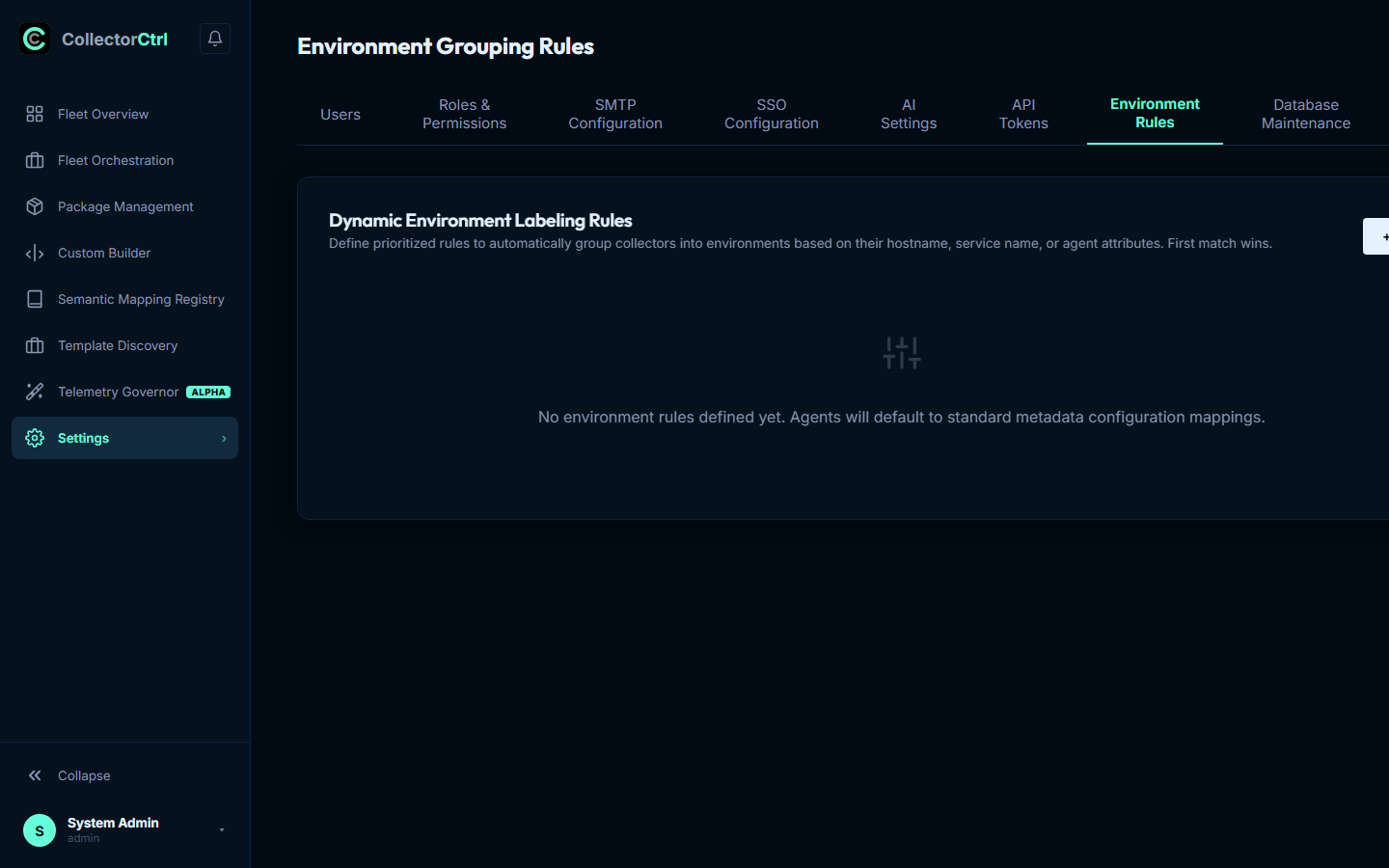
Fleet Classification Rules allow infrastructure operators to dynamically classify and assign connected OpenTelemetry agents to operational environments (e.g. Production, Staging, Development, Edge) and operational roles based on their runtime attributes. This eliminates manual tagging and guarantees that configuration policies automatically attach to matching nodes upon first registration.
1. Dynamic Evaluation Workflow
When an edge Supervisor connects over the OpAMP WebSocket protocol, it reports its system attributes (such as hostname, Kubernetes pod/namespace, cloud region, and operating system) in its OpAMP description payload.
 Expand
The Evaluation Pipeline
- Handshake Trigger: Upon initial connection or host attribute change, the server extracts all metadata.
- Priority-Ordered Evaluation: Rules are evaluated strictly in Priority order (ascending: lowest integer runs first). A rule with priority
10runs before priority50. - First-Match Termination: The first rule matching the agent terminates the evaluation chain, applying the resolved environment tag.
- Policy Attachment: The assigned environment label is consumed by the GitOps Policy Engine to determine which base templates and configuration layers target the agent.
2. Rule Schema & Match Operators
Configure rules in the web console under Settings -> Fleet Classification Rules:
| Configuration Field | Description | Supported Syntax & Examples |
|---|---|---|
| Field | The metadata attribute key to inspect. | hostname, service_name, agent_name, or any resource attribute via attribute.<key> (e.g. attribute.cloud.region, attribute.k8s.cluster.name). |
| Operator | The matching algorithm to execute. | equals, contains, starts_with, ends_with, or regex. |
| Value | The match string or regular expression pattern. | e.g. `^prod-k8s-(us |
| Target Environment | The environment label applied to matching collectors. | e.g. Production, Staging, Edge-Retail, DMZ. |
| Priority | Execution precedence (integer). | Lower numbers execute first (e.g. 10, 20, 100). |
3. Administrative REST Endpoints
Environment classification rules can be automated via CI/CD using standard REST endpoints:
Retrieve Rules
GET /api/system/env_rules
Returns all configured classification rules ordered by priority.
Create or Update a Rule
POST /api/system/env_rules
Creates a new classification rule or updates an existing rule (requiressystem:env_rulespermission).
{
  "field": "attribute.k8s.cluster.name",
  "operator": "regex",
  "value": "^prod-payments-cluster-.*$",
  "environment": "Production",
  "priority": 10
}
Delete a Rule
DELETE /api/system/env_rules
Deletes the specified rule by JSON payload ID ({"id": 4}).
4. Audit Trail
All creation, update, and deletion operations on environment rules are recorded to the immutable system audit log with actor attribution, timestamp, and diff payload.